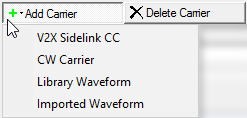
Click this button to open a  drop-down menu
from which you can select a carrier to add to the setup table. The carrier
is inserted above the currently selected row in the table. The maximum
number of carriers is 16.
drop-down menu
from which you can select a carrier to add to the setup table. The carrier
is inserted above the currently selected row in the table. The maximum
number of carriers is 16.
Click this button to delete the currently selected carriers in the setup table. You can highlight multiple carriers for deletion by holding down the CTRL key. You can also use the SHIFT key to select a succession (group) of carriers.
Click this button to quickly add a copy of the selected carrier to the last row in the setup table.
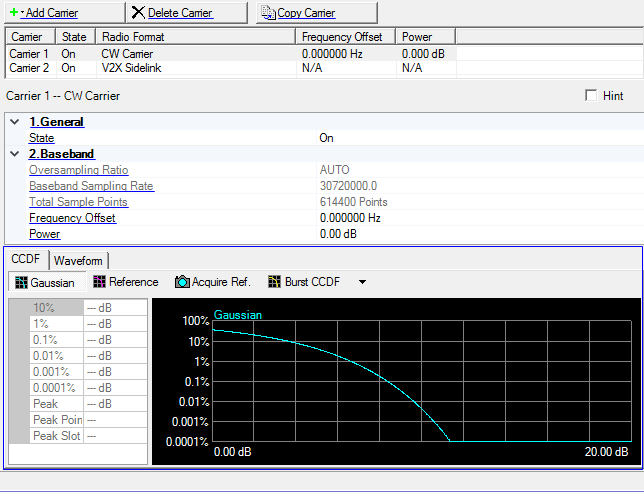
Double-click or use the drop-down menu to control the operating state of the carrier.
This is a read only parameter. This parameter is not editable.
View the baseband sample rate. You cannot edit this cell.
View the Waveform Length, displayed in points. You cannot edit this cell.
Waveform Length is directly related to the Oversampling Ratio value selected. The higher the Oversampling Ratio, the larger the waveform.
Set the frequency offset for the carrier relative to the signal generator’s frequency setting.
The range of the parameter is coupled to
Range: -60 to 0 dB
Set the carrier’s power relative to the signal generator’s amplitude setting.
The graph view displays several different representations of the generated waveform. For more information, see Graph View.